What is Sa11y?
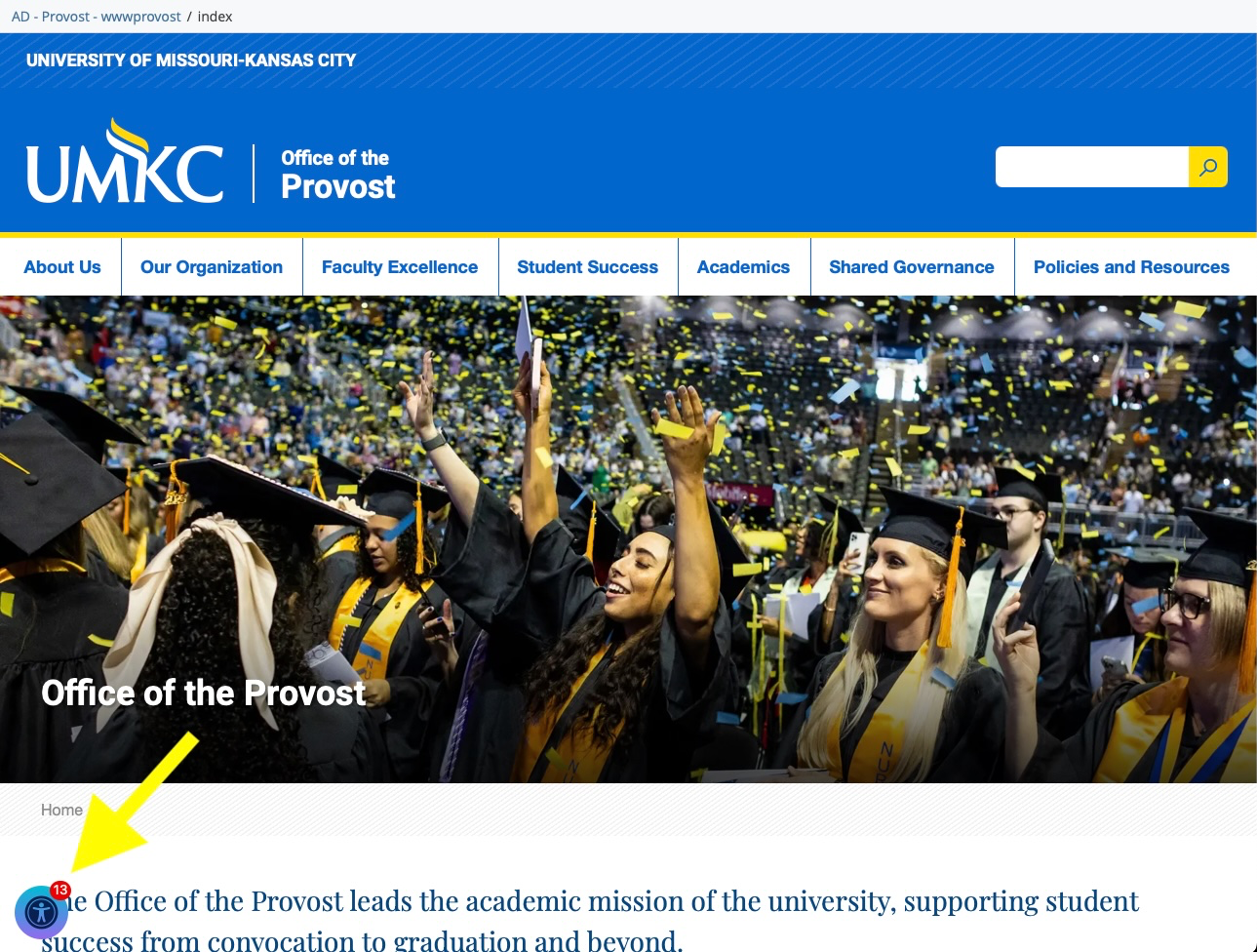
Sa11y is an accessibility quality assurance tool available on UMKC Cascade CMS websites. It helps content editors identify and resolve common accessibility issues before a page is published.
Unlike tools that scan an entire website after publication, Sa11y works directly within Cascade CMS while you are editing content. As you review your page, Sa11y highlights potential issues and provides guidance on how to correct them.
Why use Sa11y?
Sa11y helps you identify accessibility issues early in the editing process, reducing the time spent correcting issues after a page has been published.
Using Sa11y before publishing can help:
- Improve the accessibility of your content.
- Identify common accessibility issues before they reach your website visitors.
- Reduce the number of issues reported later by DubBot.
- Improve the overall quality and usability of your website.
How is Sa11y different from DubBot?
Although both tools help improve website accessibility, they serve different purposes.
Sa11y
- Available while editing pages in Cascade CMS.
- Reviews the page you are currently editing.
- Provides immediate feedback and guidance.
- Helps prevent accessibility issues before publishing.
DubBot
- Reviews published websites.
- Crawls your entire website on a scheduled basis.
- Identifies accessibility, broken links, and other website quality issues.
- Helps identify issues that remain after publication.
Sa11y and DubBot work best when used together as part of your regular publishing workflow.
When should I use Sa11y?
Run Sa11y whenever you:
- Create a new page.
- Make significant updates to existing content.
- Add images, tables, or downloadable documents.
- Prepare a page for publication.
Using Sa11y before publishing helps catch many common issues while they are still easy to correct.
Accessing Sa11y
Sa11y is automatically available on supported Cascade CMS websites. No additional installation or configuration is required for content editors.
If Sa11y is not available on your website and you believe it should be, contact Web Services for assistance.
Related Articles
- Using the Sa11y Assistant
- Understanding Sa11y Results
- Resolving Missing Alternative Text
- Resolving Heading Structure Issues
- Resolving Link Purpose Issues
- DubBot Basics
Was this article helpful?
That’s Great!
Thank you for your feedback
Sorry! We couldn't be helpful
Thank you for your feedback
Feedback sent
We appreciate your effort and will try to fix the article